-Main.svg)
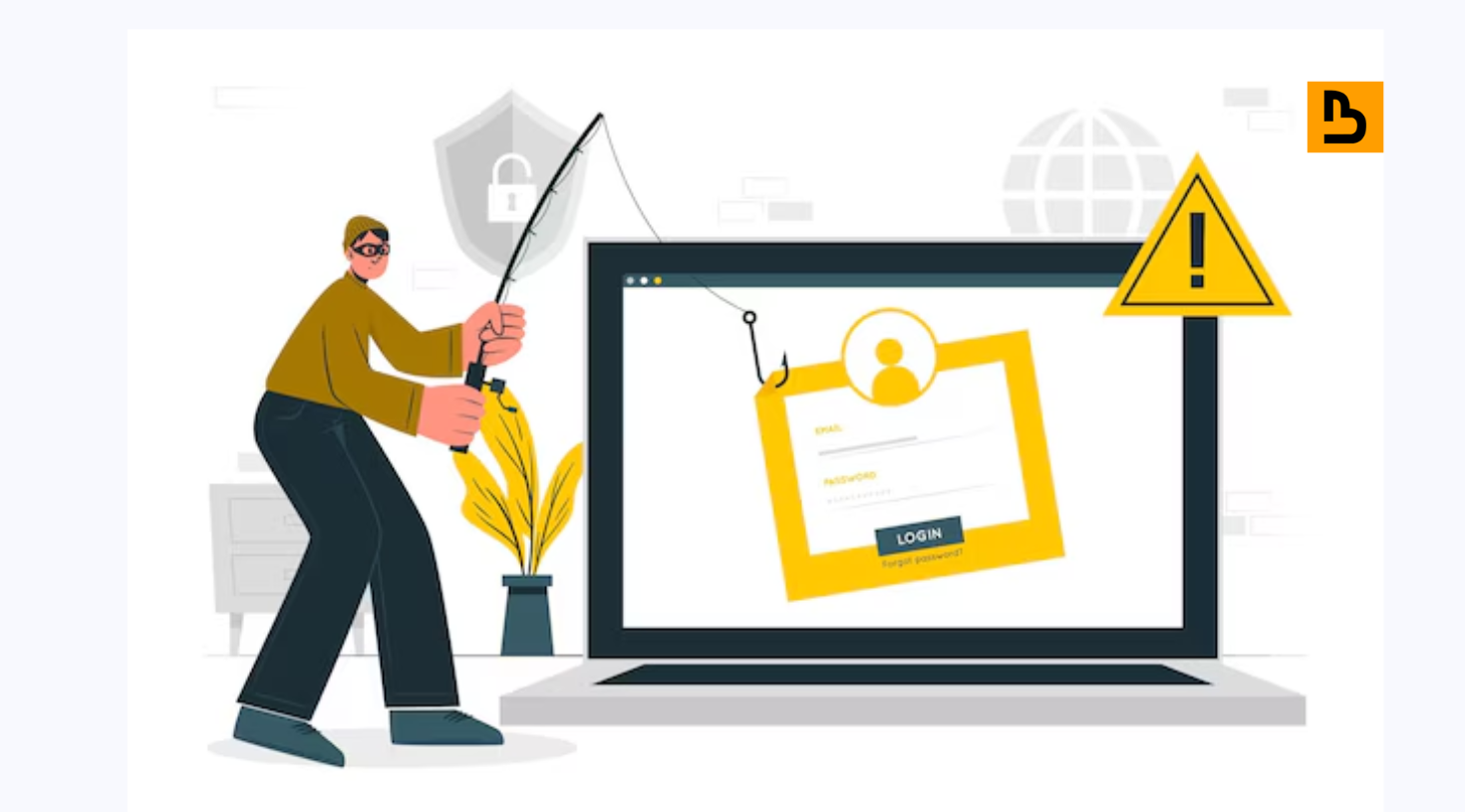
As cybercriminals, scammers, and opportunists are now using business contacts, there is an increase in the number of fake LinkedIn profiles. Personal information can be stolen, phishing can be done, and professional fraud can be committed using these accounts. As it is, when engaging with a fake LinkedIn profile, both trust and security can be lost.
This blog explains the process of how to report a fake profile on LinkedIn, the kinds of fraudulent accounts, and how to report a fake LinkedIn profile. These are the risks you have to be aware of, and you have to take up proactive measures of brand protection to ensure that your professional network is not compromised.
Types of Fake LinkedIn Profiles
1. Impersonation Accounts
These accounts impersonate actual professionals, swiping profile photos, credentials, and work history so as to defraud users. They can propagate false information, commit fraud, or cause identity theft.
2. Fake Recruiter Profiles
Fraudsters pretend to be recruiters with an appealing job offer and obtain individual information, financial information, or business secrets of professionals.
3. Bot or Automated Accounts
There are also fake accounts that are run by bots, which send connection requests, messages, or likes automatically. They constantly distribute spam, phishing, or viruses.
4. Phishing or Scam Profiles
These profiles deceive users by making them open fraudulent requests or provide sensitive information, which can be under the guise of a professional or reputable brand.
5. Brand Impersonators
To earn money at the expense of personal information and trust, fraudsters open fake accounts in the name of companies or brands to use their good name.
Read More: How to Avoid Fake Profile?
Why Fake LinkedIn Profiles Are Dangerous?
The unreal LinkedIn profiles are dangerous to both users and companies. They can be formed in order to obtain personal data, including emails, phone numbers, or sensitive work information that may result in identity theft or fraud. Personal and financial security may be spoiled by accessing these accounts.
Secondly, phishing and scams are also carried out using such profiles with a variation of a recruiter, a colleague, or a trusted acquaintance and can lead to loss of money or reveal corporate data. In addition to personal risk, false accounts undermine trust throughout the platform, making it harder to find real networking and cooperation. It is necessary that users and organizations remain alert in order to maintain their reputation and integrity.
Related: How to Block a Fake Profile on Messenger?
How to Identify a Fake LinkedIn Profile?
1. Low Activity or Connection Count
Counterfeit LinkedIn accounts usually consist of only a little activity. Veritable accounts tend to be active in terms of posting, commenting, or repinning.
2. Suspicious Photos or Generic Headshots
Profile pictures that seem to be polished or generic, or even stock-like, can be a sign of a fake account. True professionals have their genuine photos, which match their professional pictures.
3. Inconsistent Work or Educational History
False profiles can have unreal or conflicting work experience or education information. Checking such details is essential prior to interaction with the account.
4. Poor Grammar or Unusual Messages
Badly written summaries, odd messages, and clumsy communication are some of the most common features of the fraudulent profiles that do not reflect professional standards.
5. Lack of Mutual Connections
False profiles tend to have a low number of mutual contacts, which is a major pointer of authenticity.
How to Report a Fake Profile on LinkedIn?
Step-by-Step Reporting Process
To report a fake LinkedIn account, visit the suspected profile. You can provide detailed information about the impersonation, which will help LinkedIn respond quickly to the rogue account. And then look at the top, and on the right side of the profile, there will be a button called “More.” Click the More button. Click on Report/Block and select the reason, e.g., it is suspicious or fake. Send any other details that LinkedIn may want to know in their investigation, and hand over the report to be reviewed.
What Happens After Reporting?
The next step after reporting consists of discussing the matter and reaching a conclusion. LinkedIn analyzes the report in accordance with its policies and makes a decision regarding the necessary course of action. The profile can be deleted or limited, and the identity of the reporter will be kept secret. Timely reporting will protect your professional network against fraud and fake users.
What To Do If Someone Is Impersonating You?
If a person is using your name on LinkedIn, you should initially report the spam profile. Click on the Report/Block option on LinkedIn and choose the right reason to report. The details can be elaborated on the impersonation, and this will help LinkedIn to react immediately to the rogue account.
The second one involves notifying your acquaintances, friends, and other people involved. It will prevent their communication with the impersonator and reduce the risks of misinformation delivery or even possible fraud in your name. The professional network knows and is to protect your reputation, and check the Internet often to catch any impersonation attempts.
Moreover, improve your LinkedIn profile with the verification features, such as a professional photo, full employment history, and branding. Check the Internet regularly to make sure that, in case of any efforts to impersonate you, it is discovered in time and addressed to safeguard your professional image.
Ensuring Trust and Safety on LinkedIn
Finally, reporting a fake account on LinkedIn is a simple but crucial activity in ensuring the safety and legitimacy of the professional community on the site.
Notifying and reporting profiles that appear suspicious or fake is a very important part of preserving the integrity of LinkedIn.
The system of reporting includes the choice of the Report/Block option in the account and the entry of the corresponding details in the account; this is the procedure that guarantees LinkedIn the possibility to review and take the necessary measures to maintain its standards.
Not only does your vigilance and action safeguard your own professional interests, but it also helps to create a reliable and safe network environment with all users. Keep in mind, every report is a move towards a more authentic and trustworthy professional community on LinkedIn.
Frequently Asked Questions
Can fake LinkedIn profiles hack my account?
The fake LinkedIn accounts are not capable of directly hacking into your account, but can resort to phishing or scams. Use credential sharing, use of suspicious links, and connection verifications to ensure the protection of your personal and professional information.
Will the person know that I reported their profile as fake on LinkedIn?
No, LinkedIn does not disclose who is reporting a profile. The person who reports a profile won’t inform the party whose profile it is.
What happens after I report a fake profile on LinkedIn?
Once a profile is reported, LinkedIn examines the report and probes into the profile. LinkedIn is entitled to delete the account or take any other necessary steps depending on its discoveries. However, LinkedIn may not always show the results of the investigation due to privacy policies.
Can I report a account on LinkedIn if I’m not connected to it?
Indeed, you can report any profile on LinkedIn, regardless of your connection to it. Through LinkedIn, every user can report suspicious activities or profiles to ensure that the networking programs are safe and professional.
How long does LinkedIn take to remove a fake profile?
Fake profile reports are normally reviewed in a matter of days, although complicated ones may take longer before being addressed by LinkedIn. The notification of users on taking action may be given, yet the details of particular investigation outcomes may not be revealed.